Showing posts with label Checkweigher. Show all posts

Monday, May 20, 2024

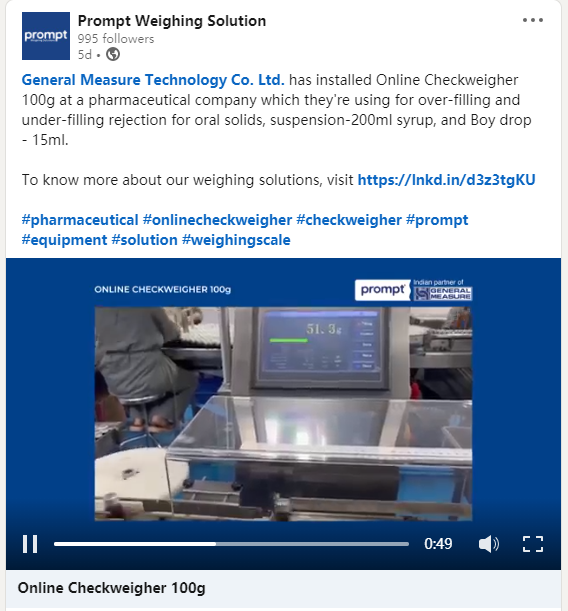
General Measure Participated in the Development of Verification Regulation of Automatic Checkweighers

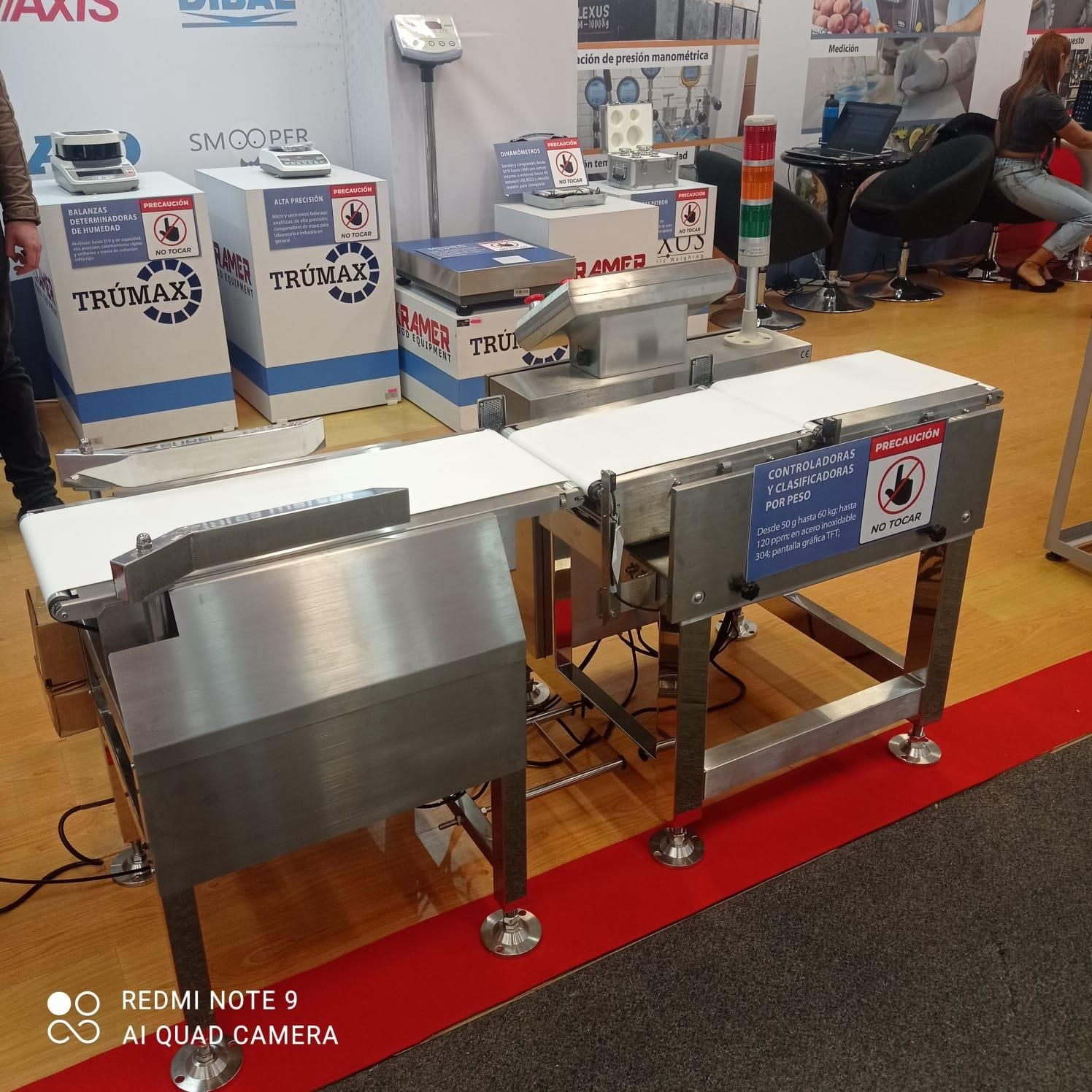
 Automatic checkweigher is a device that measures the weight of an object in a dynamic process, which is widely used in the weight rechecking of products before they leave the factory. For example, the food processing industry needs to check the weight of finished products to ensure that product quality and specifications meet standards. Automatic checkweighers enable efficient and fast weighing operations, increasing productivity and reducing human error. Checkweighers can regulate product standards, and what do we use to regulate checkweigher standards?


Different countries have their own supervision departments, as does China. The product quality supervision department of China attaches great importance to the development of standards for the performance and specification of automatic checkweighers. General Measure, as an enterprise with more than 30 years of weighing and measuring experience and more than 10 years of design and development technology of checkweigher, was invited to participate in the development of verification regulation of automatic checkweighers for one of the provinces. The regulation standardizes the production of checkweighers, by which General Measure's high-speed and high-precision checkweighers provide stable performance.


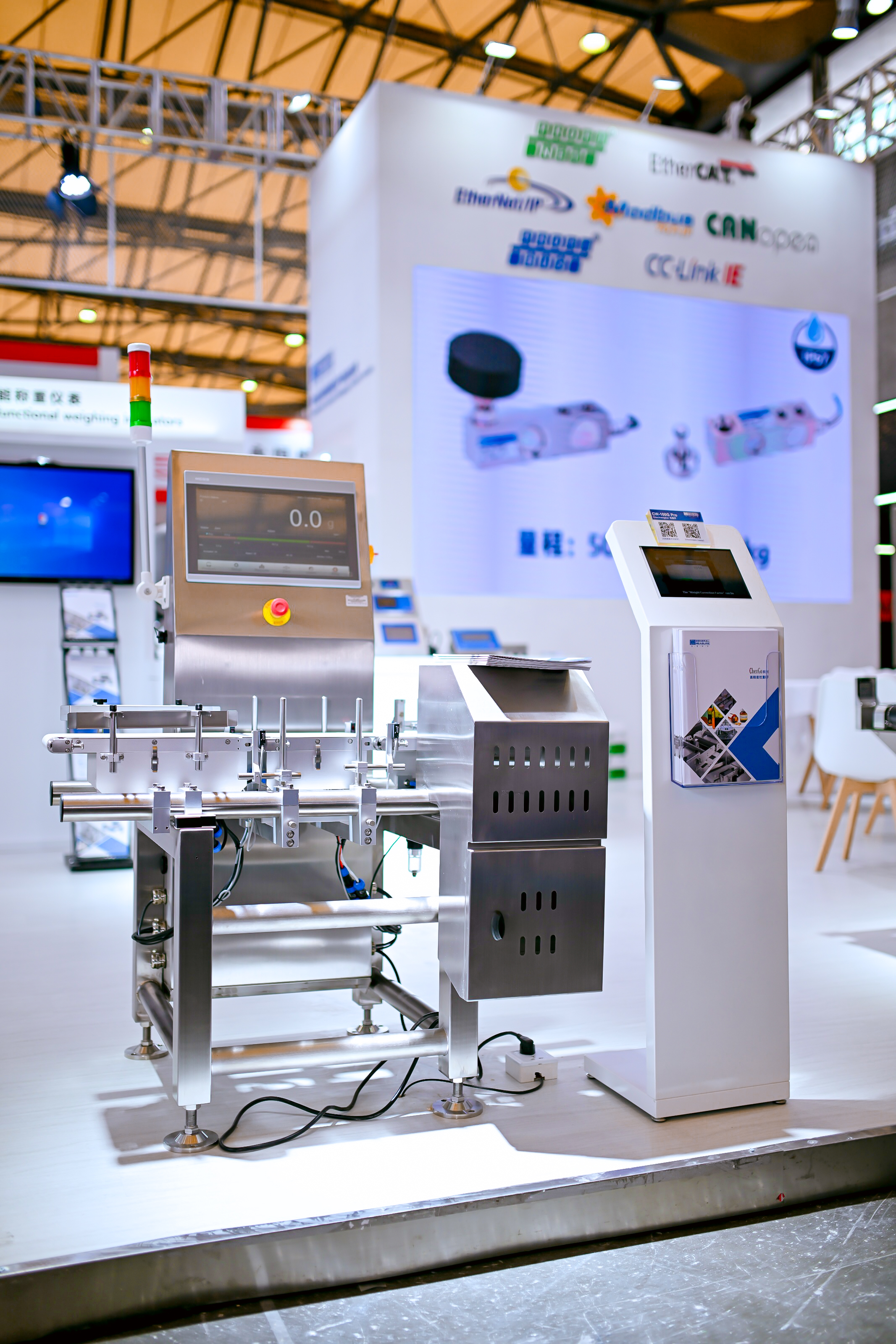
General Measure high-speed and high-accuracy checkweigher CW-100G Pro


CW-100g Pro is a stable and reliable checkweigher with high accuracy and speed, suitable for checking small parts and packaged products (boxes, bottles, bags, etc.) weighing up to 500g, which is widely used in food, pharmaceutical, chemical, hardware, and other industries.
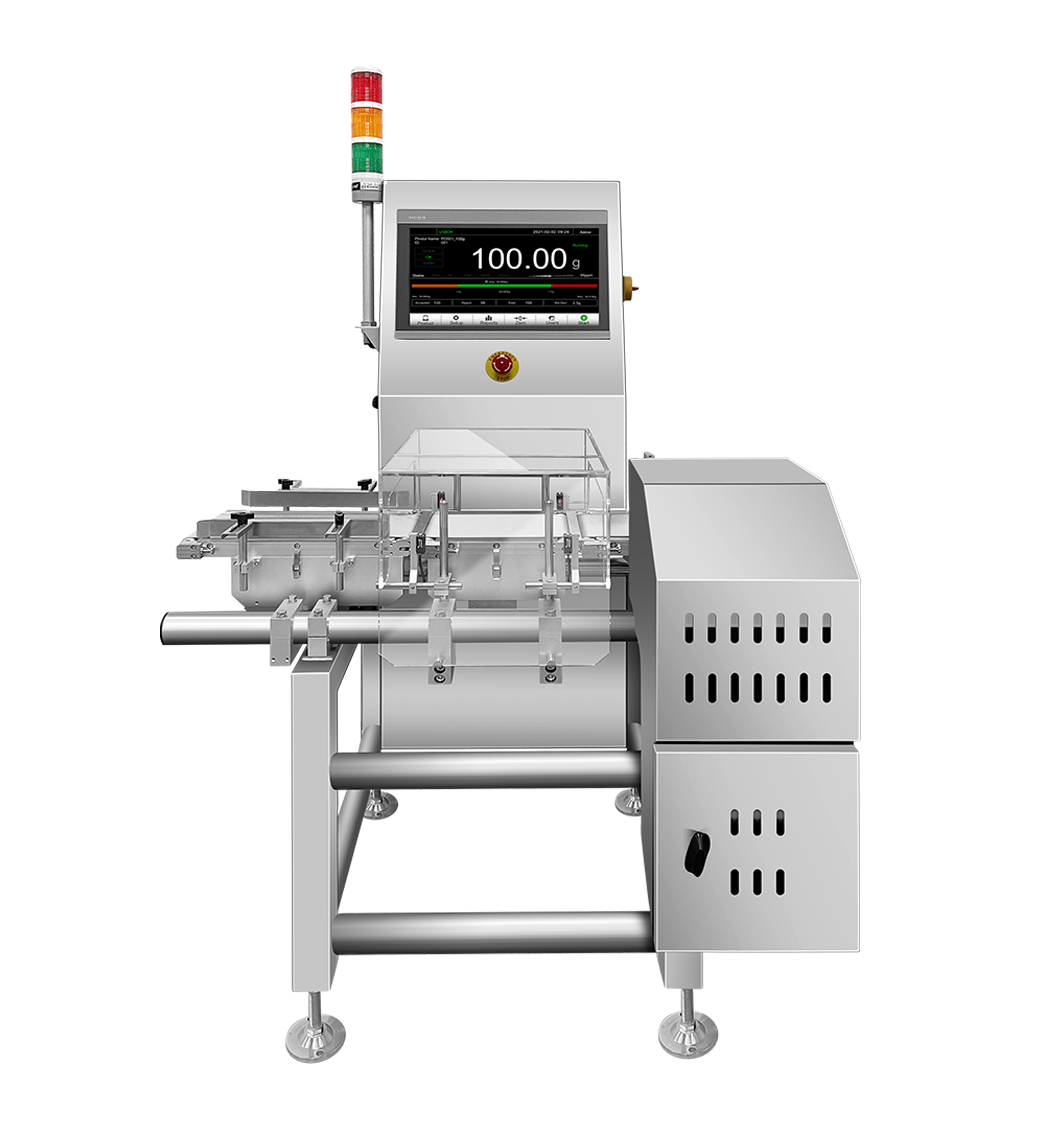
·Maximum Capacity: 500g

·Best Accuracy: ±0.1

·Highest Speed: 300pcs/min

·Rejector: air blow, swing arm, pusher available

·Belt Speed:10~70m/min

·Belt Size: 200x150mm


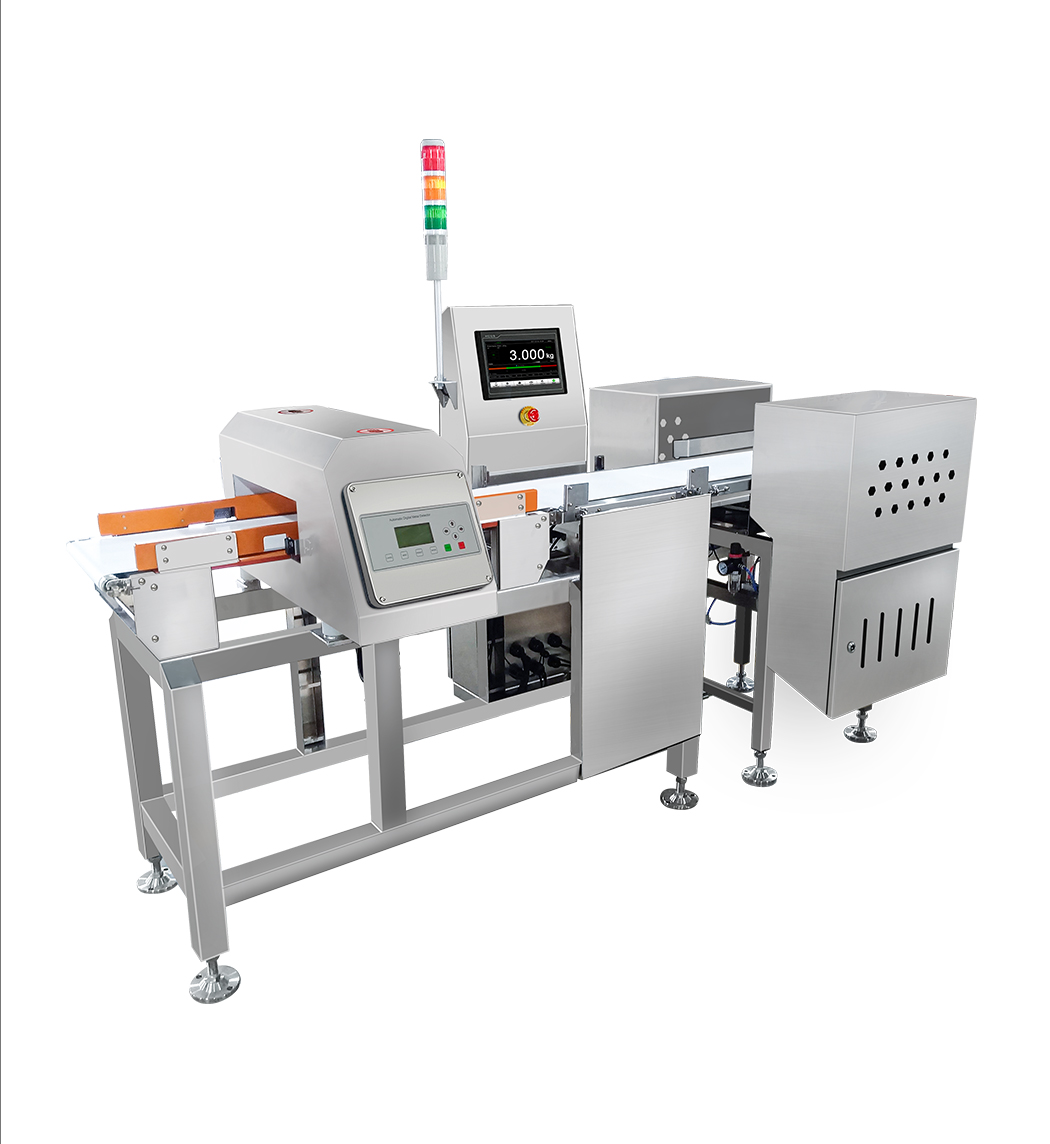
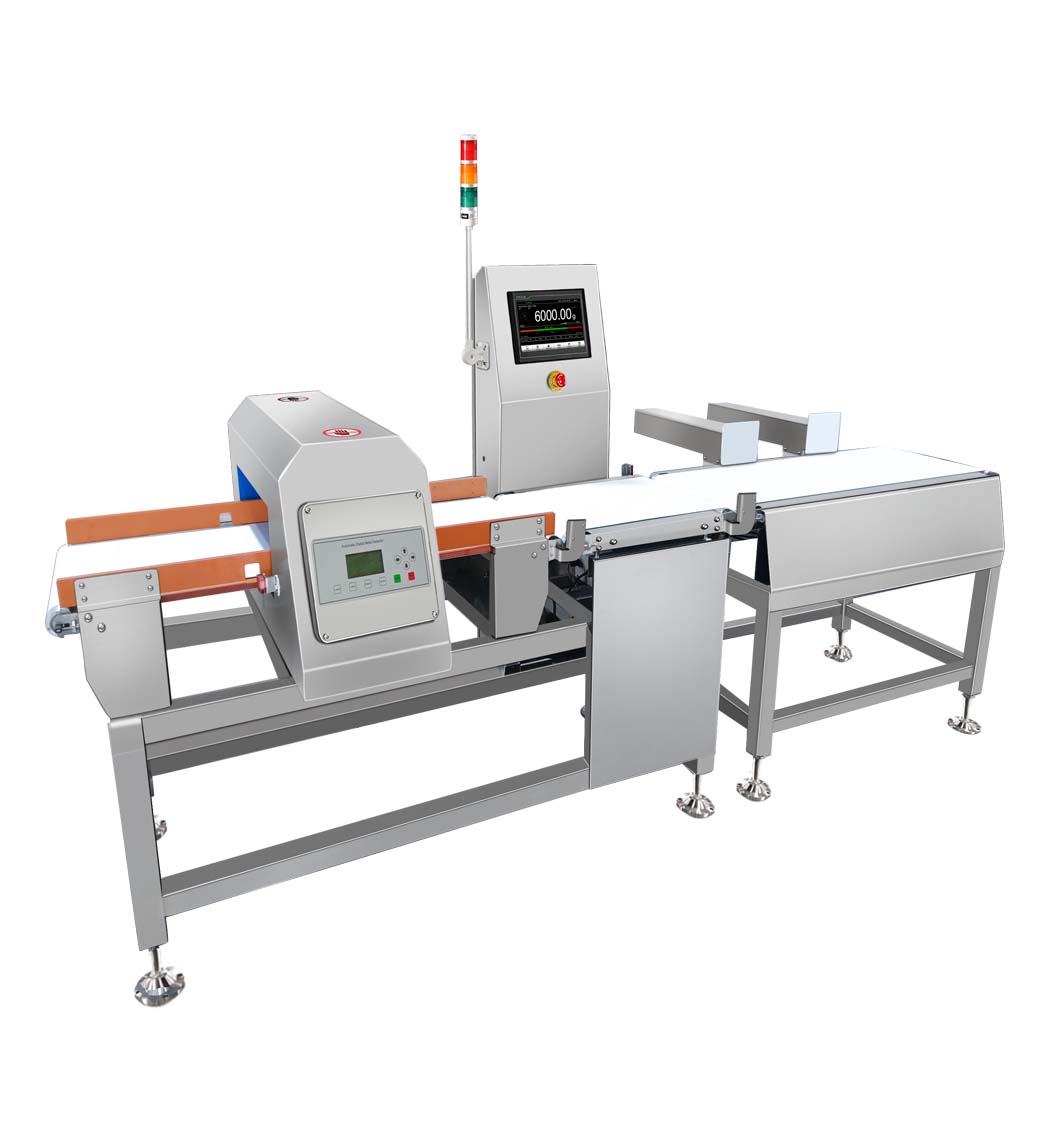
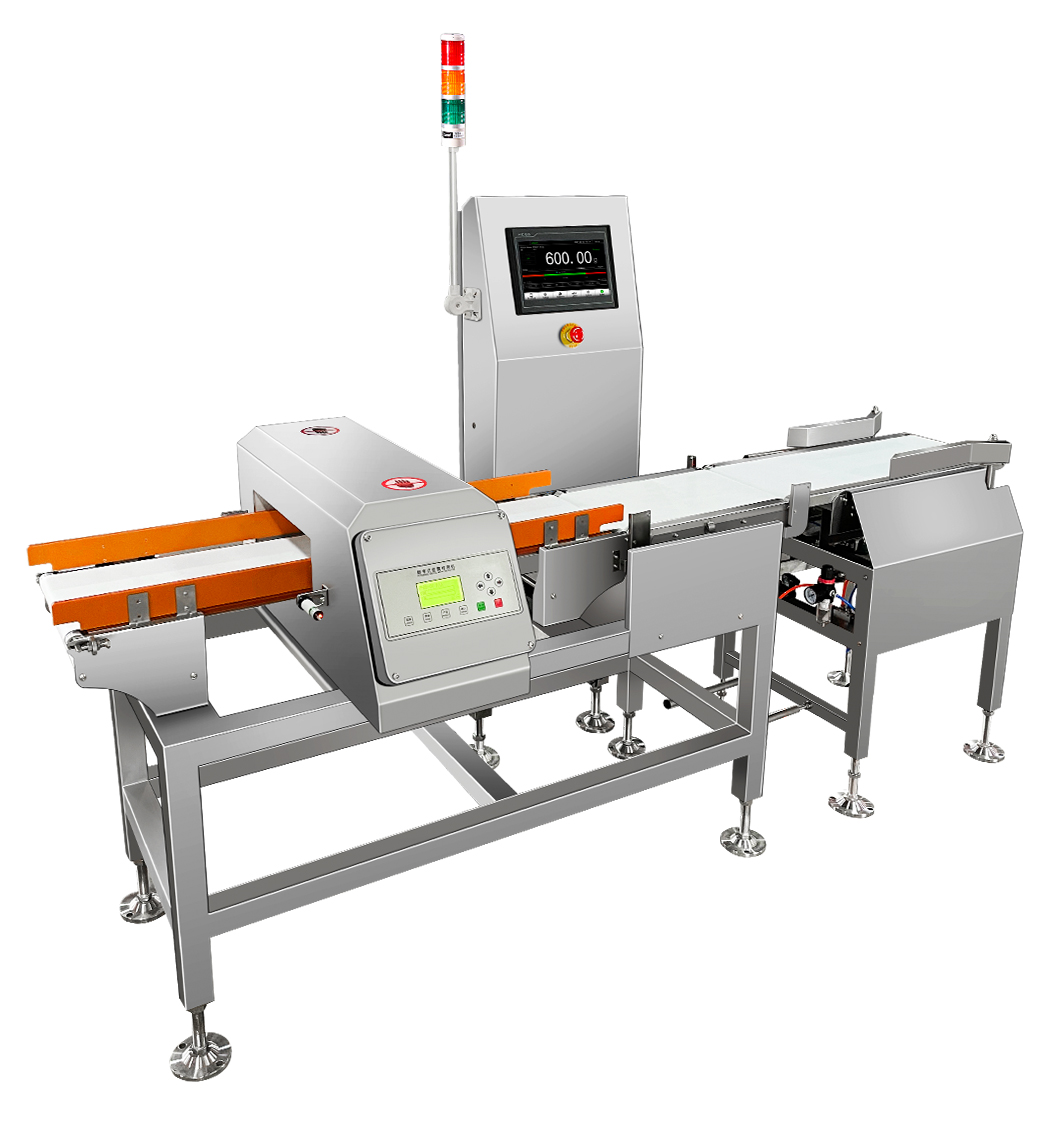
General Measure check weigher with a metal detector


Checkweigher with metal detector combo machine is an integrated equipment with both dynamic weight checking and metal detecting functions. General Measure has CW-1.2K, CW-3K, and CW-6K three different ranges of check weigher with metal detector combo that are available to meet the different needs of the food processing industry on the weight checking and metal detecting.
 

 CW-1.2KCW-3KCW-6K

Maximum Capacity

1200g3000g6000g

Best Accuracy

±0.5g

±1g

±1g

Best Sensitivity

Fe≥φ0.8mm       

Sus304≥φ2.0mm                         

Non-Fe≥φ1.5mm

Fe≥φ0.8mm       

Sus304≥φ2.0mm                         

Non-Fe≥φ1.5mm

Fe≥φ1.2mm       

Sus304≥φ2.2mm                         

Non-Fe≥φ2.0mm

Highest Speed

100pcs/min

100pcs/min

60pcs/min

Belt Speed

5~40m/min

5~40m/min

5~30m/min

Belt Size

400mm*250mm

400mm*300mm

500mm*400mm

Platform Height

750士50mm

750士50mm

750士50mm


General Measure heavy load checkweigher CW-60K


CW-60K is a stable checkweigher with an accuracy of up to ±10g and a maximum speed of up to 60pcs/min. It is suitable for checkweighing and counting the packaging products within 60kg (box, barrel, bag). With simple and clear operation and easy daily maintenance, it is widely used in the industries of food, feed, chemical, and building materials.
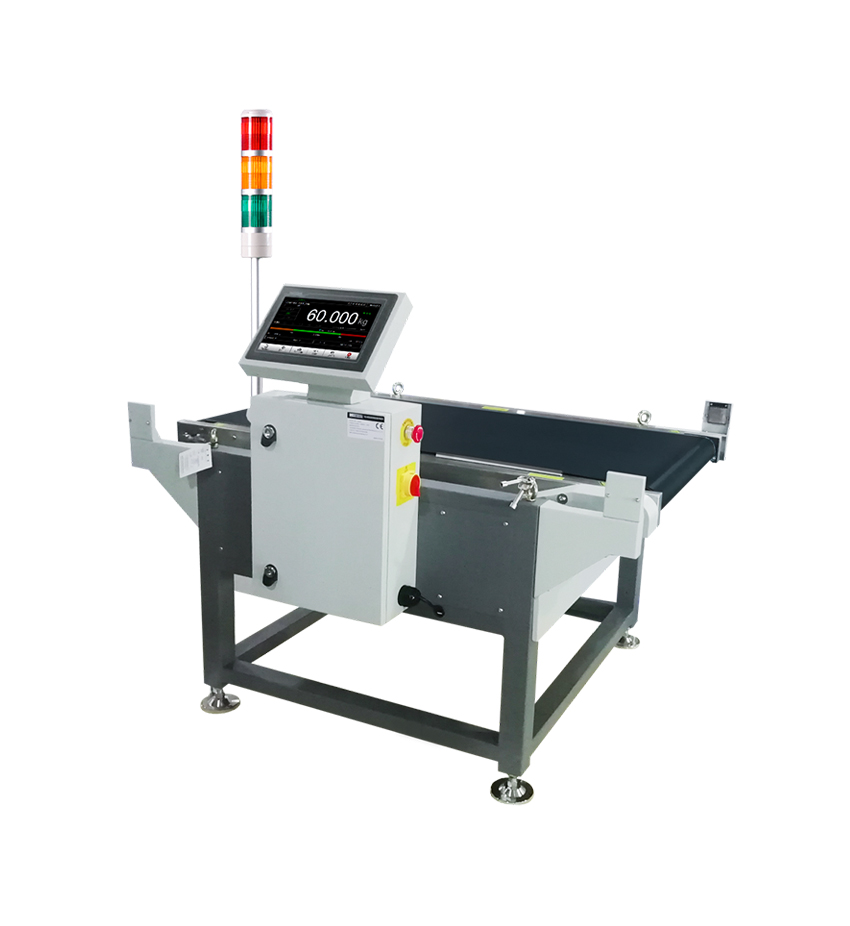
·Maximum Capacity: 60kg

·Best Accuracy: ±10

·Highest Speed: 60pcs/min

·Rejector: roller push type available

·Belt Speed:10~60m/min

·Belt Size: 1000/1200x600mm


For more product information, please check: www.gmweighing.com

Wednesday, May 15, 2024

General Measure in Chinaplas 2024


General Measure participated in Chinaplas Shanghai 2024. Thanks to all the clients and friends visiting our booth.

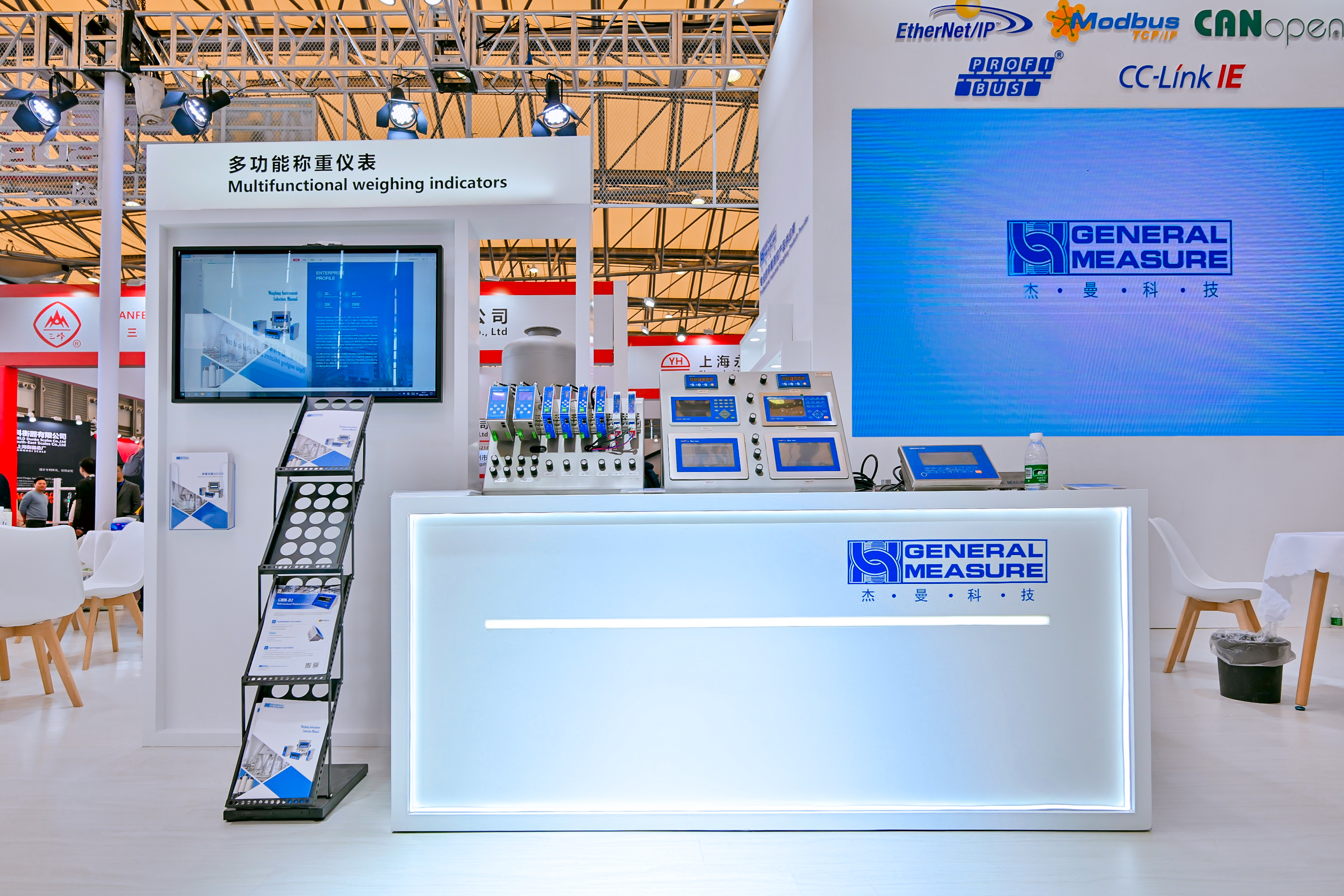
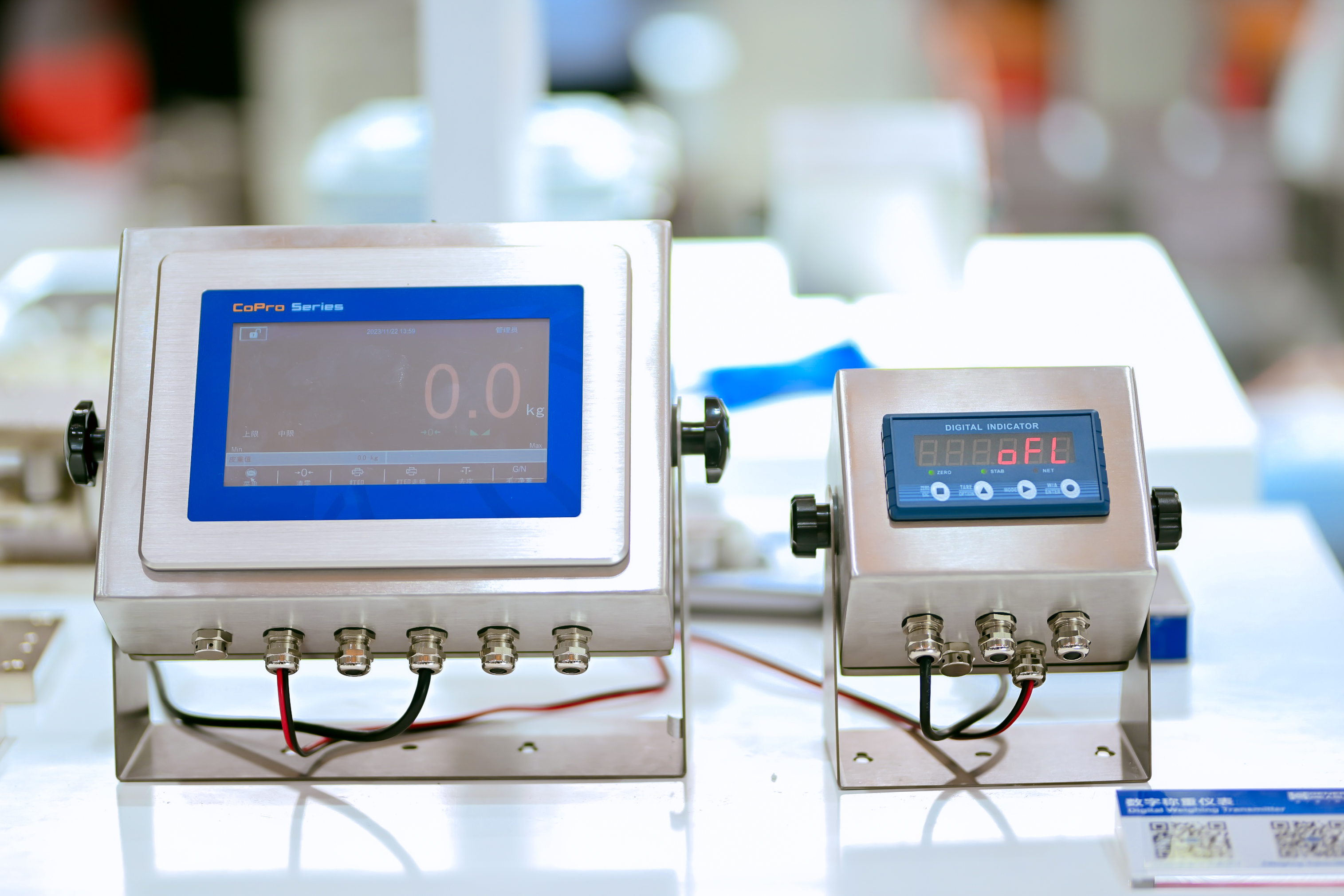
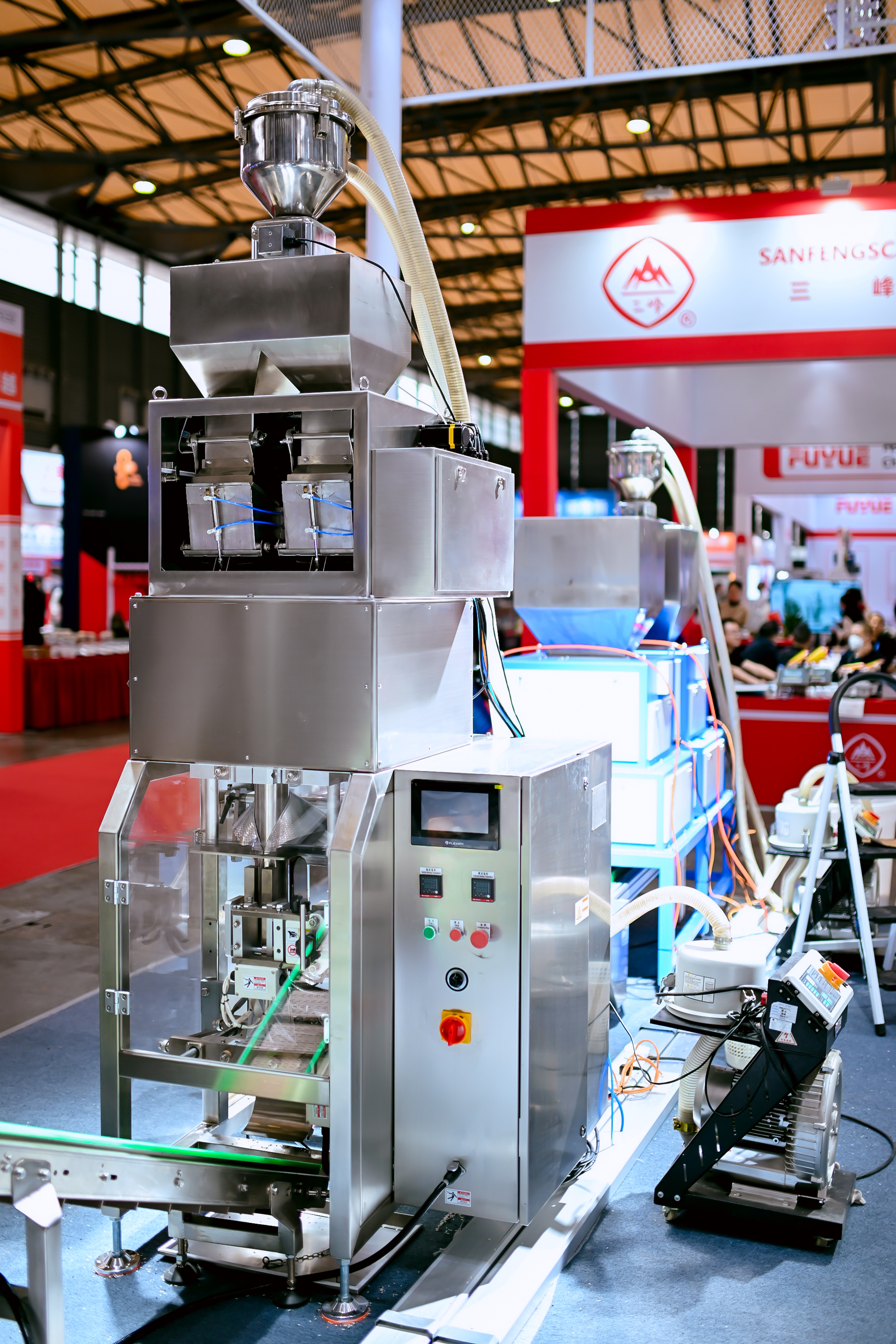
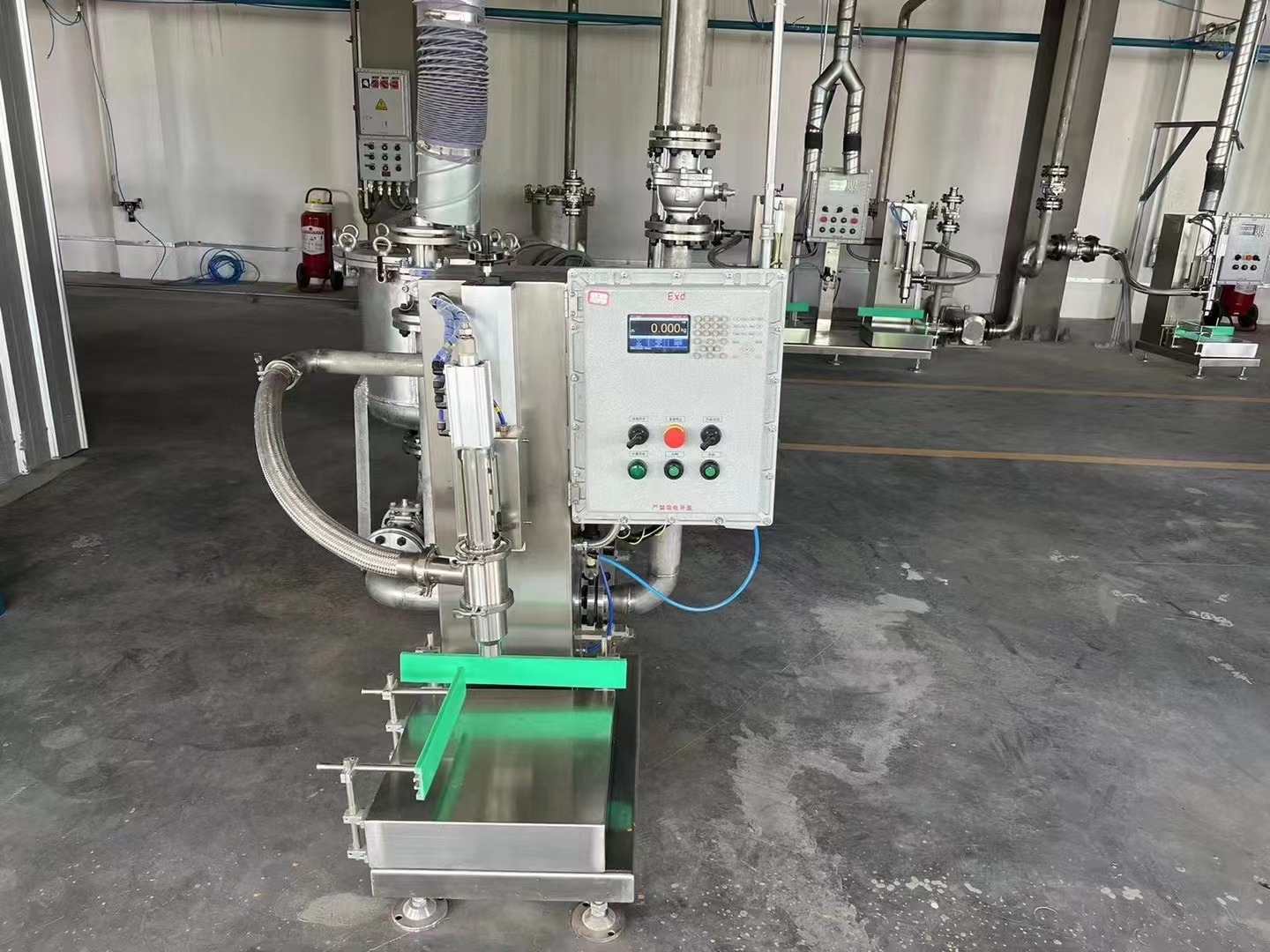
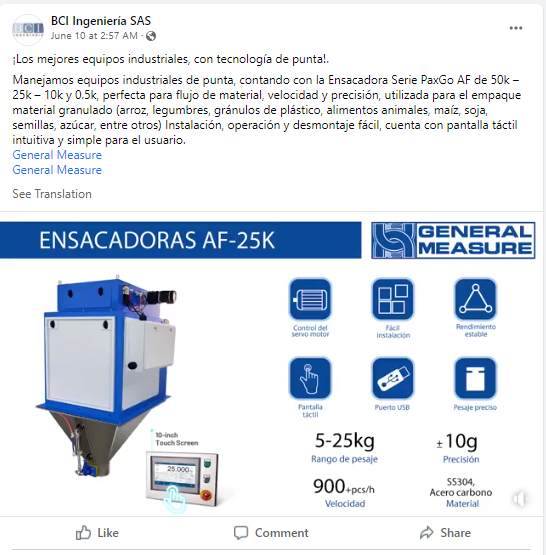
For the plastic and rubber trade fair, General Measure displayed the load cell, industrial weighing transmitter, and controller for silo/tank weighing, batching system, packing system, loss-in-weight scale, and so on.  We have also exhibited the granule packing scale for the high-speed and accurate packing requested. Full stainless steel is available for harsh environments. In addition, we provided the robust check weigher for dynamic weight checking. For more product information, please check: https://www.gmweighing.com/product/weighing-indicators

Thursday, April 18, 2024

General Measure Won On Weighing Review Awards 2024

 To all dear clients, thank you for voting for General Measure on the Weighing Review Awards 2024. We are happy to share with you that General Measure won three categories:

CategoryCompany/Product
Best Weighing Companies (3rd Place)General Measure
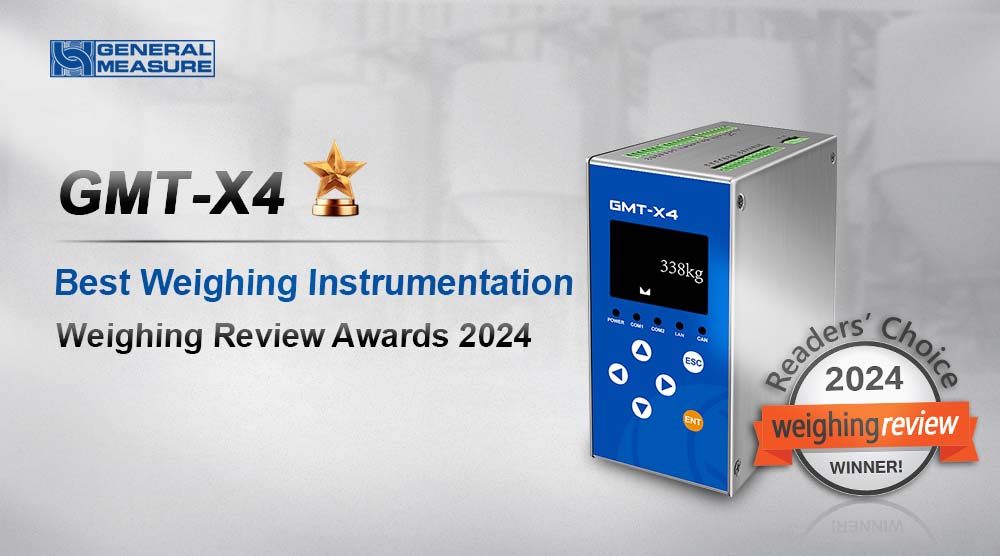
Best Weighing InstrumentationGeneral Measure GMT-X4
Best Dosing, Filling, and Packaging SolutionsGeneral Measure AF-01K II
  

Four-Channel Weighing Indicator General Measure GMT-X4

GMT-X4 is a DIN rail-mounted weighing transmitter with four channels. When one of the four channels' load cells is damaged, GMT-X4 will automatically identify and give an alarm message on the screen. It has a compact design, stable performance, and easy operation, which can be used for various weighing applications, such as weight checking, loss-in-weight, liquid filling, batching, vessel and silo weighing, etc.

There are two modes: one is with four individual ADs working separately; the other one is a four-channel combination mode, that is, a weighing indicator with an intelligent junction box built in can easily monitor the defaulted load cell. The main display of the combination mode shows the total weight up to 6 digits. It also has four-channel weights display and a simultaneous millivolt display.

Hardware Highlights

  1. Stainless steel housing with compact design(62X134X128mm);
  2. Different configuration choices, a variety of combinations;
  3. Standard: ① 4-channel of 6-wire load cell interfaces; ② RS485&RS232; ③ 4 Input 8 Output transistor I/O;
  4. Option1: Modbus TCP /IP or EtherNet/IP or ProfiNet or EtherCat or CCLink IE;
  5. Option2: 4 analog output;
  6. Option3: 1 CANopen interface; 

     (Option1,2,3 can be selected at the same time)

High-Speed Dual Packing Filler General Measure AF-01K II

A high-speed dual packing filler AF-01K II for packing the granular materials from 50g to 1kg. The speed can reach 3600pcs/h and the accuracy is ±2g. It's suitable for various kinds of granules like rice, beans, coffee beans, millet, salt, sugar, and so on. The great performance makes it ideal for the replacement of multi-head combination packing machines and volumetric method packing machines, which improves production efficiency and quality and reduces costs.

Step motor plus vibrator feeding-type and pneumatic discharging-type guarantee the stable while speedy packing. The smart algorithm supports a self-adjust function with a target value set only. Then the machine will automatically optimize the packing weight approaching the target by adjusting fast feeding, vibrator feeding, or other mechanical parts, which is quite easy to operate. 

Wednesday, April 17, 2024

Checkweigher CW-15K in Food Industry for Box Weight Checking


The CW-15K online check weigher has a wide weight range and high accuracy, And it can run with the rejector. It is suitable for checking weights and counting packaged products from 1 to 15 kg. The best accuracy can be ±5g, and the highest speed can be 85pcs/min.

The standard weight of this lobster box is 4.5kg. Any box over- or under-weight (±50g) will be rejected, which saves cost and guarantees the brand quality.

Wednesday, March 27, 2024

Weighing Controller M04 Parameter Setting for Packing Process


Hi, welcome to General Measure's channel. In this video, we will demonstrate the M04 packing process simulation in the hopper mode.


There are 5 steps for packing simulation:

1. Calibration of weighing indicator

2. Select the scale mode

3. I/O definition

4. Set the formula parameters

5. Simulation packing process


Calibration of weighing indicator

After the calibration of the weighing indicator(refer to the M04 calibration video)


Select the scale mode

Press【M】to enter the parameter list, select the working parameters

Press【Enter】, find the scale structure, select the hopper packing. Working mode and feeding mode are chosen according to the application. Other parameters remain at the default value. Then press【ESC】to return to the previous menu page.


I/O definition

Select the I/O in the menu parameter list.

When selecting the scale mode, the I/O is automatically set to correspond to the chosen scale.

Press【Enter】to check the definition of the I/O ports.

Normally, we use outputs as running, stopping, fast feeding, medium feeding, slow feeding, clamp bag, fixed value, etc.

Inputs as start, emergency stop, zeroing, clear alarm, clamp or loosen bags, etc.

In general, the I/O set by the system is enough to use. But if we want to use other inputs or outputs, they can also be set. Then press【ESC】to return to the previous menu.

Set the formula parameters

Select the recipe parameters in the menu parameter list

There are 20 formulas can be set. The user can change it according to the application requirements.

Press【1】. The formula number modification box pops up. You can enter 1-20 to modify the formula. Here, we select formula 1 and press【Enter】to check and set the parameters under formula 1.

We set the target value of 5kg, 3kg of fast feeding, 1kg of medium feeding, 0.5kg of dropout value, 0.02kg of zero zone value. These parameters can determine the open size of the feeding mechanism. For specific instructions, please refer to the manual (16 pages). The corresponding time of the operations in the process can be set under the dosing timer parameter. Here, we keep the default parameters. For other parameters such as over- or under-weight, drop correction, clap the bag, and so on, please check the manual (page 17). Then press【ESC】to return to the previous menu. The packing parameters are all set.


Back to the main page, we can see the current formula, target value, total accumulative weight, total times, etc.

We can also press【ENTER】to choose and set the different working parameters by pressing the corresponding numeric keys.


Simulation packing process

Now, we carry out the packing simulation of M04.

The first step: start signal input is valid, wait for the feeding delay, output feeding signal, at this time the scale starts feeding.

The second step is the feeding process according to the set value, through fast, medium, and slow feeding. When the current weight ≥(equal or over) target value -(minus) fall value (5.00kg - 0.50kg), the feeding process enters into the fixed value state and outputs the fixed value signal.

The third step is the input bag clamping signal, and the scale starts discharging. When the current weight ≤ (equal or under)zero zone value (weight ≤ 0.02kg), discharging is completed. After the discharging delay, loosen the bag, and one pack of packing is finished.

On the main page, you can see the updated total accumulation, formula accumulation, and so on.

Other functional parameters are described in detail on page 16 of the manual. 

That's all for today's video. We will continue to bring videos of the latest products. Subscribe to General Measure's channel. See you in the next video!

Wednesday, March 13, 2024

Packing Controller M04 Calibration


 Hi, welcome to General Measure’s channel. In this video, we are going to demonstrate the M04 calibration process.

 Weighing Controller M04 stainless steel version is a multi-software functional weighing instrument with packing, bulking(continuous weighing), and liquid filling applications. The full stainless steel out-case is robust and durable.


M04 Front Panel

Before the calibration process, I will briefly go through the front panel of M04.

There are mainly three parts:

Display area: displays weighing data, status, and formula information.

Numeric keys: for data input and shortcut parameter selection.

Function keys:

【ZERO1】for data zeroing.

【ZERO2】in the totalization interface, it can clear all formulas and user totalization.

【M】Menu key to enter the setup parameter menu.

【ESC】Exit key to exit the current page or return to the previous page.

【ENTER】to confirm the operation. On the main page is the shortcut key for parameter setting. For different parameter setups, you can press the corresponding numeric keys.


M04 Calibration Process

Now let's begin calibration of M04.

There are two calibration methods for M04: weight calibration and material calibration.

Weight Calibration

Weight calibration has four steps

  1. Enter the calibration
  2. Set parameters

3. Zero calibration and weight calibration

4. Verify the calibration linearity


Let’s start operating.

Firstly, power on M04, the default login user is the operator. You can press the【0】key to switch the user. The initial login password is 000000. Then press the【M】to enter the parameter menu. The calibration can be found in the left column. Press the 【ENTER】to key in the password, and you will enter the page of the calibration scale.

Set Parameters

Then we set the unit, decimal point, division value, weight range, and other parameters, which are set according to the application. The setting values in this video are only for demonstration purposes.

Press【ENTER】to set the unit, there are g, kg, t, and lb can be used.

You can press the direction keys to switch. Here, we set the unit as g, press【ENTER】to confirm.

Get to the decimal point setting page. There are options as 0, 1, 2, 3, 4. We set the decimal point to 0. Press the【ENTER】confirm

Setting the minimum division value, we have 6 options, respectively, 1, 2, 5, 10, 20, and 50. We set the minimum division value of 1 here.

Then, set the weight range. Generally, we set it as the maximum weight of the load cell. According to the scale we use, we set the range to 10000, and press【ENTER】to confirm.

Zero Calibration and Weight Calibration

Enter the zero calibration, and make sure that there is no object on the scale. After【stable】sign outputs, press the【ENTER】to get the voltage at zero point. The upper area displays the weight that is 0. The lower area displays the voltage at zero point.

Put 200g weights on the scale. After the scale is stable, enter the weight calibration interface and input 200. The weight calibration is completed.

Verify Calibration Linearity

The current weight is 200g on the scale. Put on another 200g weight, the M04 shows 400g. Remove all weights, it displays 0g, which conforms to reality. The verification is finished, and the calibration is successful.


Material Calibration

If without weights or inconvenient to use weights on site, we can also carry out material calibration. The material calibration is only applicable to the hopper mode for M04.

Step 1: Make sure that the scale is empty, after【stable】sign outputs, click the digital button【1】to start calibration.

Step 2: Click【2】to open the filling gate. So you can put materials on the scale, click【2】again to close the filling gate. Click【3】to open the discharging gate, and the materials will flow out. Then click【3】to close the discharging gate.

The third step: weigh the test materials by a standard scale and record the data. Then press【M】to input the weight value recorded, and press【ENTER】to confirm.

We use 200g of weights for verification. You can see the weight data is correct. The material calibration is completed.


 We will continue to produce videos for products and operations. Subscribe to General Measure's channel. See you in the next video!

Wednesday, December 20, 2023

General Measure at InterWEIGHING 2023


General Measure Participated in the China International Weighing Instrument Exhibition from 22nd to 24th Nov. Except for weighing indicators, GM displayed the digital load cells and digital weighing indicators, anti-explosion load cell,  high-performance check weigher, and high-speed packing machine production line with batching scale and metal detector and check weigher combo.

Please check the video and pictures to find more.


Monday, December 18, 2023

General Measure High Speed Packing Filler AF-01K


Browsing in the supermarket, you can find there is a trend that the foods are packed in small packs instead of large ones, which is fresh and convenient. 

General Measure designed a high-speed packing filler AF-01K for packing the granular materials from 50g to 1kg. The speed of dual filler can reach 3600pcs/h and the accuracy is ±2g. It's suitable for various kinds of granules like rice, beans, coffee beans, millet, salt, sugar, and so on. The great performance makes it ideal for the replacement of multi-head combination packing machines and volumetric method packing machines, which improves production efficiency and quality and reduces costs.

Step motor plus vibrator feeding-type and pneumatic discharging-type guarantee the stable while speedy packing. The smart algorithm supports a self-adjust function with a target value set only. Then the machine will automatically optimize the packing weight approaching the target by adjusting fast feeding, vibrator feeding, or other mechanical parts, which is quite easy to operate. 

General Measure is dedicated to providing you with an efficient weighing-packing solution.

Tuesday, October 31, 2023

General Measure Weighing Controller M04 Applied for Resin Filling

M04 is a multifunctional weighing controller with single/dual packing, bulking, batching, and liquid filling software. A 5-inch LCD display shows the weighing process and results clearly. With OIML R76 approval, it is credit and solid for industrial weighing applications.

Recently, General Measure’s service technicians delivered the technical service to a filling machine equipment supplier by applying M04 with filling software, utilizing the filling control process with its automatic three-speed feeding control system to perfect balance between speed and accuracy. Clients were satisfied with the result and designated M04 for their resin-filling machines.

Monday, October 23, 2023

General Measure Opened A New Branch Office in Wuxi, China


General Measure Wuxi office was opened in 2022. For better serving the clients around, the new office is allocated with 3 technical support and 3 salespeople. Besides, GM built a showroom in a new branch in which weighing indicators, check weighers, and bagging filler are displayed. 


Thursday, September 28, 2023

General Measure Participated Industrial Automation Expo


General Measure Participated in China International Industrial Automation Expo. Except for weighing indicators, GM displayed the digital load cell and digital weighing indicator, anti-explosion load cell, as well as high-performance checkweigher.

Tuesday, September 12, 2023

The Calibration Method of GMT-H2


Hi, Welcome to General Measure’s channel. In this video, we are going to demonstrate the GMT-H2 calibration process. We need to set some parameters before calibration, which include unit, decimal point, division, and capacity. Please follow the application requirements. C1.1 is the unit, for demonstration, we set the unit as gram. C1.2 is the decimal point, set it as zero. C1.3 is the division, here we set it as 2. C1.4 is the capacity. According to the weighing platform, we set it as 1000. The calibration parameters setting is completed.

Zero Calibration

Enter the zero calibration, There are two ways, automatic acquisition or manual input. When using automatic acquisition, clear the scale and keep it stable without alarm or overflow. Then press ENTER to complete the calibration. When using manual input, enter the zero calibration, press OPTION to enter the millivolt input interface, enter the recorded history of zero millivolt data, and press ENTER to complete the calibration.

The Gain Calibration

Enter the gain calibration, There are also two ways, respectively, calibration with weights or theoretical value calibration. OFF means calibration with weights, and ON means theoretical value calibration. Select OFF to enter calibration with weights. Load a known weight. After the scale platform is stabilized, press ENTER to enter the weight input interface. Enter the weights, and press ENTER to complete the gain point 1 calibration. If you need to carry out multi-point calibration, continue to load a known weight. When the platform is stabilized, press ENTER into the weight input interface. Enter the total weights, and press ENTER to complete the calibration of the gain point 2. Follow this method, until the required calibration of the gain point is completed. Then return to the main page to check the weight. If there is an error in the weight, you can set the calibration correction coefficient to correct.

When using theoretical value calibration, select ON to enter the theoretical value calibration, SE indicates the load cell sensitivity. Set up it according to the sensitivity given by the load cell manufacturer. Press ENTER to confirm. CP means the capacity of the load cell. Set up according to your load cell capacity, press ENTER to complete the theoretical value calibration.

In the next video, we will show you how to set up the parameters of GMT-H2. We will continue to bring videos of the latest products. Follow General Measure. See you in the next video!

Thursday, July 27, 2023

General Measure New Factory Tour


At the end of 2022, General Measure relocated to a new state-of-the-art facility in Zhuzhou, Hunan Province, China. We have established a cutting-edge production base spanning over 10,000 square meters, including weighing instrument manufacturing, mechanical research and development, a showroom, a spacious office area, and an advanced EMC laboratory.

Let's take a glimpse into GM's innovative new factory.

Thursday, July 20, 2023


General Measure has two EMC labs, one is in Shenzhen, and one is in Zhuzhou. Today we will explore the GM's EMC lab that is located in the Zhuzhou factory. EMC lab is crucial for instruments manufacture to improve efficiency and stability.

Let's take a look~

1, First is the electrostatic discharge simulator: it is mainly used to test if the electronic equipment can work properly 
when it's under external electrostatic discharge interference. It can evaluate the anti-interference ability of a single device or a system.

2, Then look at the surge generator: it can generate high voltage pulses to simulate the surge phenomenon 
for testing the endurance capacity of the power system.

3, And take a look at the voltage sag generator: it is for examining the anti-interference ability of equipment or system when facing 
voltage dips, short-term interruptions, or voltage variation.

4、Finally comes to the conducted immunity generator: the purpose is to examine the ability of a single device or system 
to resist conductive disturbance.

General Measure's weighing instruments are developed under such a sophisticated test environment.


Wednesday, July 12, 2023

Stand Out with General Measure Social Media Campaign

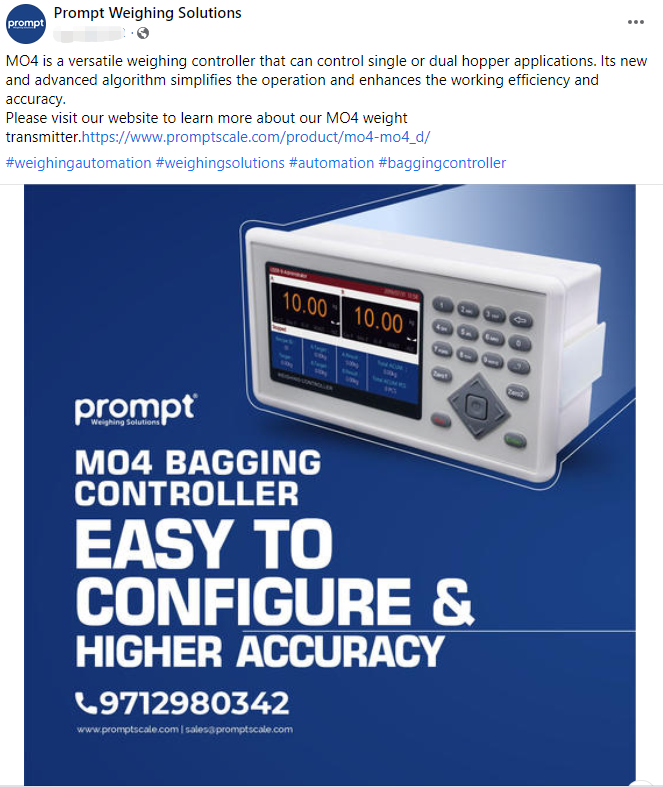
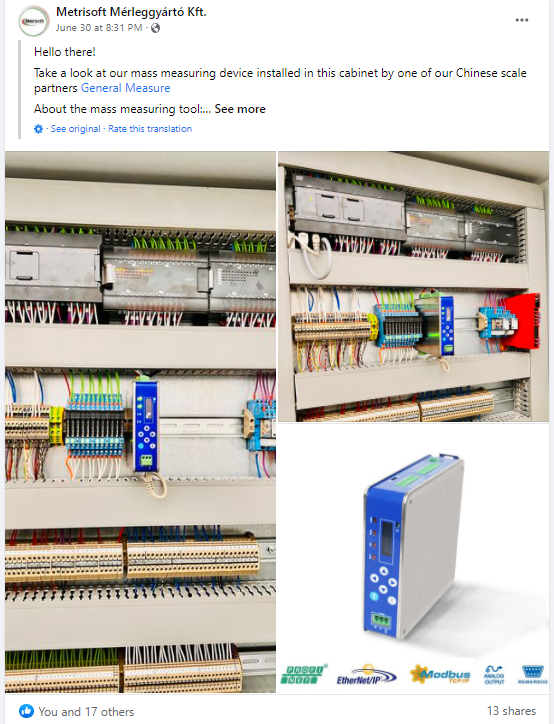
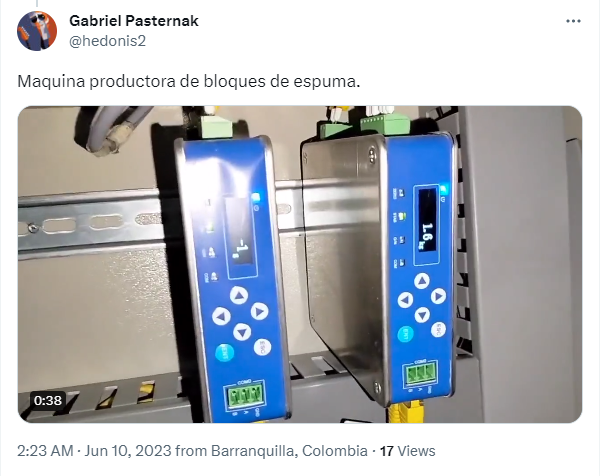
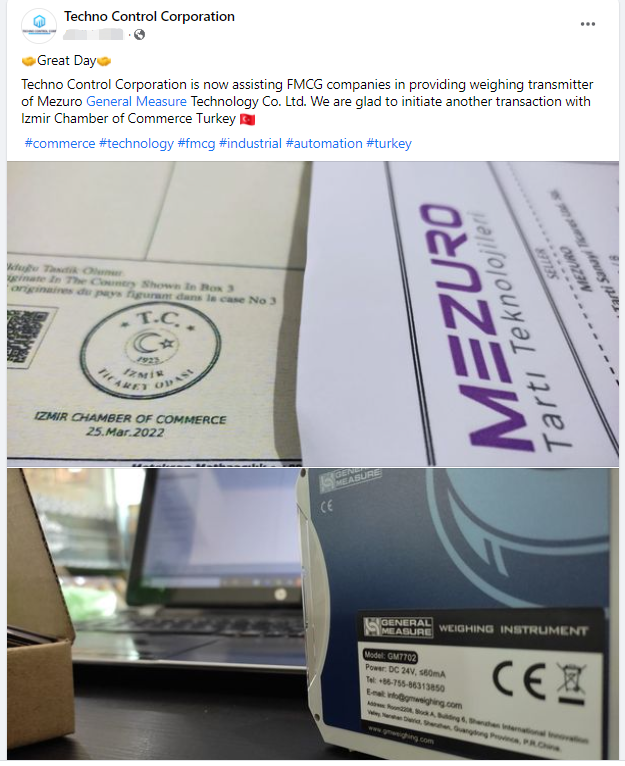
Every year, the first Saturday in July is celebrated as International Cooperation Day. This year, General Measure has launched the "Stand Out with General Measure" social media campaign for global partners. Participating international partners will receive a free weighing indicator GMT-H2 as a gift by posting General Measure products or related activities on their official social media platforms, such as Facebook, LinkedIn, Twitter, or Youtube.


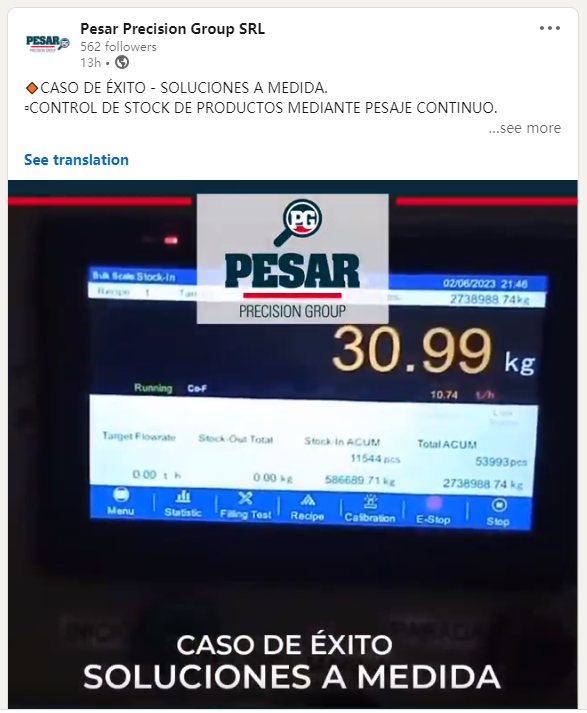
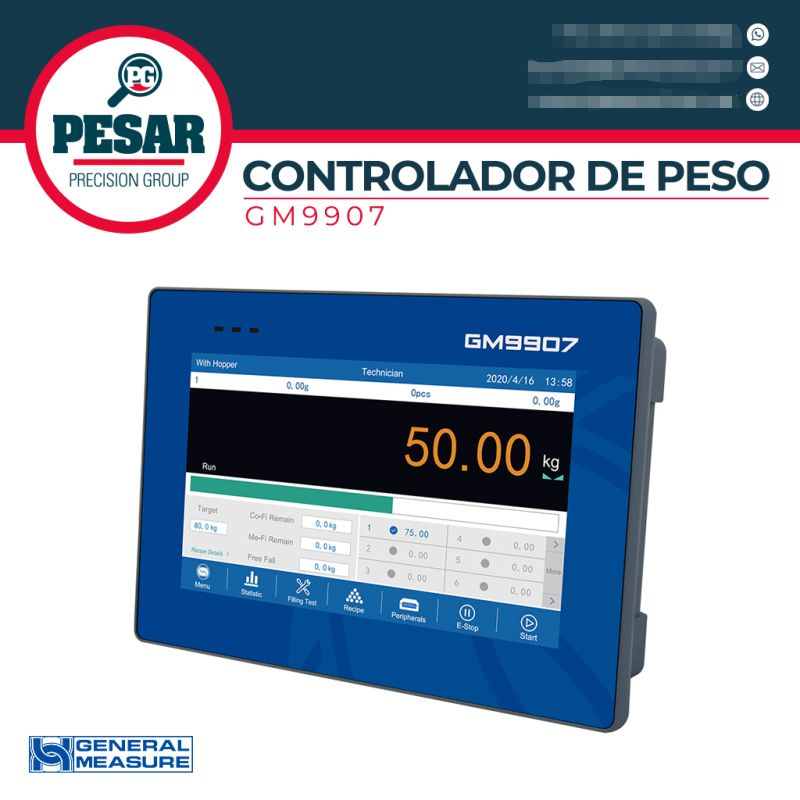
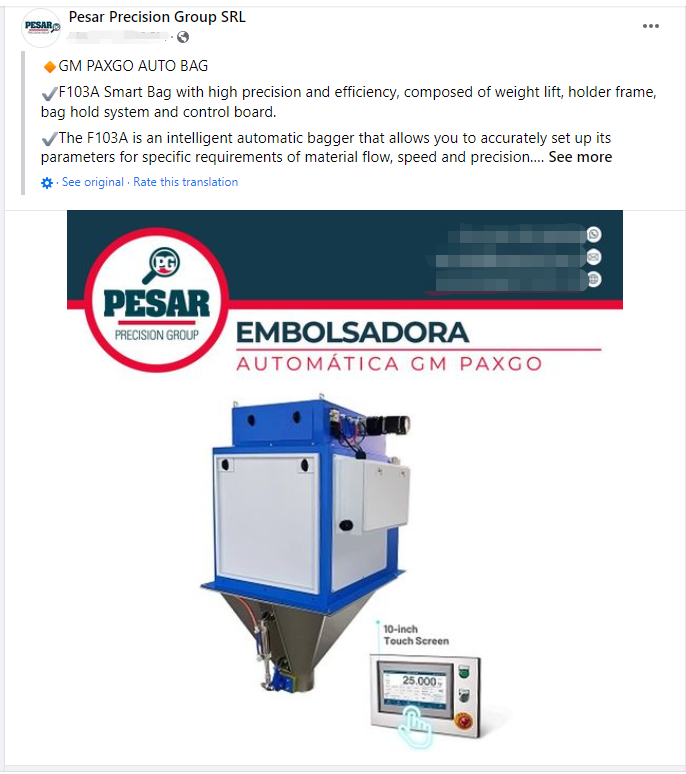
During the campaign, partners actively participated and uploaded posts about GM products and events on their company's social media. Some clients posted product introductions and product cases with photos or videos, while others uploaded the content of General Measure's products being showcased in various industry exhibitions in different countries.


Product introductions and product cases


Industry exhibitions with GM products


General Measure would like to thank all of our partners for their hard work and wish our global partners every success.


Tuesday, July 11, 2023

Packing Filler AF-5K for VFFS Machine


A Chinese Client installed five GM packing fillers in the self-created VFFS machines for rice and beans mixture packing, by using its vibrator feeder only to achieve the small weighing range packing, as per 100g a pack. Since the packing filler AF-5K is not applied as optimization as it can, the speed in this is 800+pcs/h. Five machines can reach over 50 thousand packs per day. The accuracy is 95%. However, AF-5K can weigh to pack from 0.25~5kg of granular materials and the highest accuracy can reach ±2g, the speed is over 1000pcs/h.


Tuesday, June 13, 2023

General Measure International Sales Director Interview


General Measure participated in Hannover Messe 2023. Direct Industry interviewed our international sales director Kirk introducing the General Measure brand and products.


Wednesday, March 15, 2023

General Measure 4-Channel AD Weighing Indicator GMT-X4


GMT-X4 is a DIN rail-mounted weighing transmitter with four independent AD. When one of the four channels' load cells is damaged, GMT-X4 will automatically identify and give an alarm by displaying the alarm message on the screen. It has the characteristics of compact design, stable performance, and easy operation, which can be used for various weighing applications, such as weight checking, loss-in-weight, liquid filling, batching, vessel and silo weighing, etc.

Hardware Highlights

  • Stainless steel housing with compact design(62X134X128mm);
  • Different configuration choices, a variety of combinations;
  • Standard: ① 4-channel of 6-wire load cell interfaces; ② RS485&RS232; ③ 4 Input 8 Output transistor I/O;
  • Option1: Modbus TCP /IP or EtherNet/IP or ProfiNet or EtherCat;
  • Option2: 4 analog output;
  • Option3: 1CAN interface; 

          (Option1,2,3 can be selected at the same time)

Software Highlights

  • Zero point reset function: support resetting the zero point as before power failure when re-powering;
  • Theoretical value calibration, stable within 3s of the calibration process automatically;
  • Remote monitoring and configuration by PC with Modbus TCP connecting up to 6 devices at once;
  • Input anti-vibration function, which time can be set.

Monday, February 27, 2023

General Measure ChexGo Checkweigher in Food and Pharmaceutical Industry


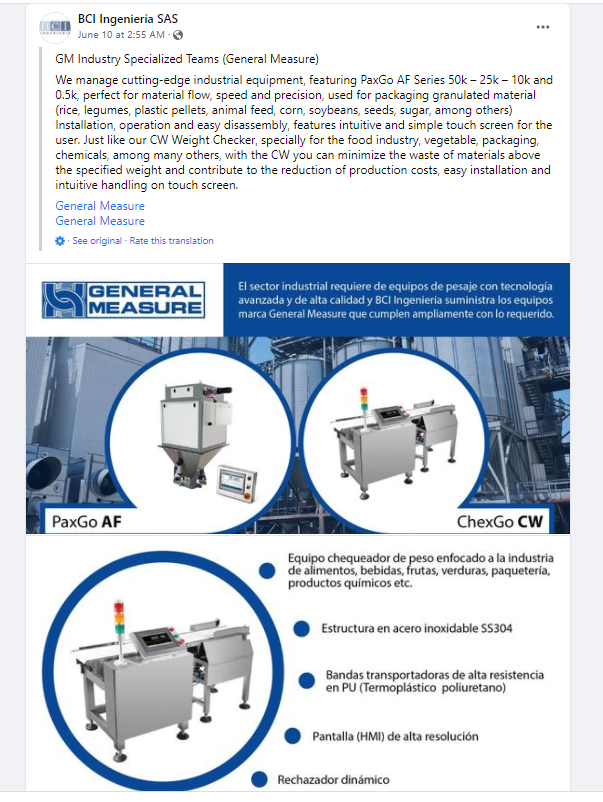
General Measure’s ChexGo series checkweighers have various scales covering 1g to 60kg. The small weighing range check weighers are usually used in the food and pharmaceutical industry for products with boxes, bags, bottles, etc. Different types of rejectors are available to select, such as air blow, push type, swing arms, and so on.

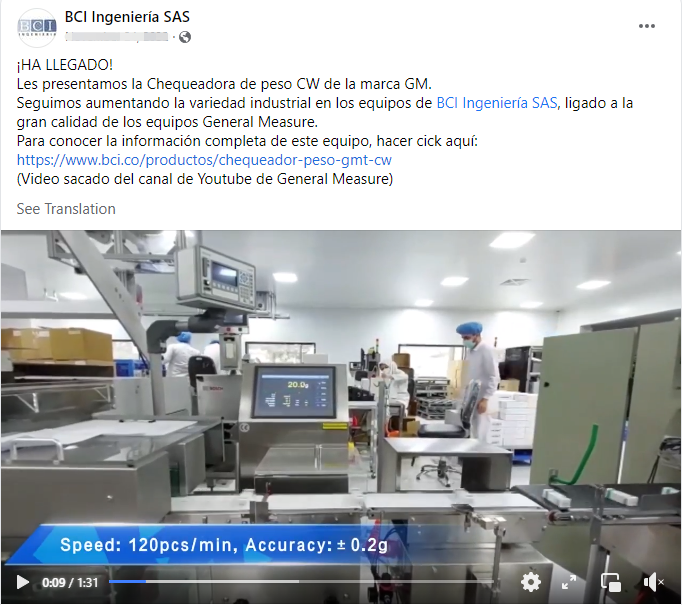
The weighing range of CW-100G check weigher is from 1g to 500g. The accuracy can reach ±0.1g. CW-600g checkweigher can weigh 10g to 600g. The accuracy can be ±0.5g. Check the video for the small weighing range check weighers application in the food and pharmaceutical industry.

For more information, please see: https://www.gmweighing.com/product/checkweighers

Sunday, February 19, 2023

ChexGo Checkweigher CW-15K in Food Industry


GM ChexGo checkweigher CW-15K is combined with inkjet in the food industry. Its stability and accuracy are widely recognized by clients.

The weighing range is from 100g to 15 kg. The accuracy is within ±5g. 10-inch touch screen with a module design interface and instant interaction provides an easy and smooth operation experience.

Check the video to see the applications.