Tuesday, January 16, 2024

Packing Controller GM9907 Packing Process Simulation


Hi, welcome to General Measure's channel. In this video, we are going to demonstrate the packing controller GM9907-L2 packing process simulation under the hopper mode.

 After the calibration, we need to select the working mode of the instrument. Firstly, we enter the menu. This page includes the calibration, weighing parameters, I/O setting, system maintenance, and other items. In the system maintenance, we can enter scale attributes where we choose the scale’s mode. Here we select the hopper mode. Other parameters remain to the default values. Return to the previous menu, 【peripheral switch】 also can be found in the system maintenance. We can connect to the peripherals we want to use. Then for the I/O setting, we return to the main menu. The system has already set the I/O corresponding to the chosen scale. Normally we use inputs as start, pause, slow stop, and clamp bag; outputs as running, stop, fast feeding, medium feeding, slow feeding, clamp bag, fixed value, finish weighing, zero zone, etc. In general, the I/O set by the system is enough to use. But if we want to use other inputs or outputs, they can also be changed. Back to the main page, we can set the formula parameters. GM9907 has 20 formulas that meet the application needs of packing different materials. Enter recipe 1, we set the target value of 3.50kg, fast feeding as 1.50kg, medium feeding as 1.00kg, dropout value as 0.10kg, zero value as 0.02kg, and prohibition of time as default value. These parameters can determine the time and opening size of the feeding mechanism. The specific instructions can refer to the user manual. In the process parameters setting, we can set the times of different actions during the operation. Here, we use the default value as well. 

Back to the main page, the packing parameters have been set up. We’re going to introduce the functions on the main page, total accumulation, debugging interface, recipe parameters, and peripheral parameters that can be intuitive to see and operate. Here the batch can be set, as well as to view, and delete the total accumulation. On the right side, the recipe parameters can be switched.

Next, we began to simulate the packing process with the hopper mode. Click Start, and wait for the output signal of feeding after the feeding delay. At this time we can fill in the materials. The filling process contains fast feeding, medium feeding, and slow feeding according to the set value. If the weight is over the value of the target value minus the drop value (3.50-0.40), the scale enters the state of the fixed value. Click on the clamp, the scale begins to discharge. When the weight is less than the value of the zero-zone (weight <0.02kg), the discharging is complete. After the discharging delay, output the signal of loosening bag, and the one-pack feeding is completed. On the main page, you can see the accumulation updated. Other specific functional parameters are described in the user manual. Please set parameters according to the needs of applications.

That's all for today's video. We will continue to bring videos of the latest products. Subscribe to General Measure's channel. See you in the next video!

Thursday, January 11, 2024

Packing Controller GM9907 Calibration Demonstration


In this video, we are going to demonstrate GM9907-L2 calibration process.

GM9907-L2 is a touch-screen weighing controller for packing applications.

First of all, we enter the menu, where you can find the calibration, on which you can select the unit, decimal point, division value, and weighing range. They should be set according to the application. There are two ways for calibration: weight calibration and material calibration. Let's take a look at the weight calibration, firstly, make sure that the scale is empty.  After 【Stability Sign】 outputs, clicking 【Zero Calibration】, the weight display shows 0kg. The upper of the middle part displays the current scale absolute millivolts, the below is the relative millivolts. Then, put the 2kg weights, and click on the 【Weight Calibration】 when 【Stability Sign】 showing. Enter the weights of 2kg to complete the weight calibration process.

In the absence of weights or inconvenient to use weights, we can carry out material calibration. At this time 2.3kg weights are shown as 2.9kg, which is incorrect. Let's start the material calibration. Firstly, to ensure that the scale is empty. After 【Stability Sign】 outputs, click on the 【Zero Calibration】. Then click on 【Manual Fill】, before putting the materials on the scale, click on 【Manual Fill】 again to close the feeding gate and click 【Record Weight 】. After that, click 【Manual Discharge】to discharge the materials. Finally, you can enter the weight value of the materials that are weighed on the standard scale. We put the 2.3kg weights for verification, you can see the weighing data is correct. That’s all for the process of GM9907-L2 calibration.

In the next video, the workflow and the parameters setting of GM9907-L2 under the hopper mode will be demonstrated. We will continue to bring videos of the latest products. Subscribe to General Measure's channel. See you in the next video!
Wednesday, December 20, 2023

General Measure at InterWEIGHING 2023


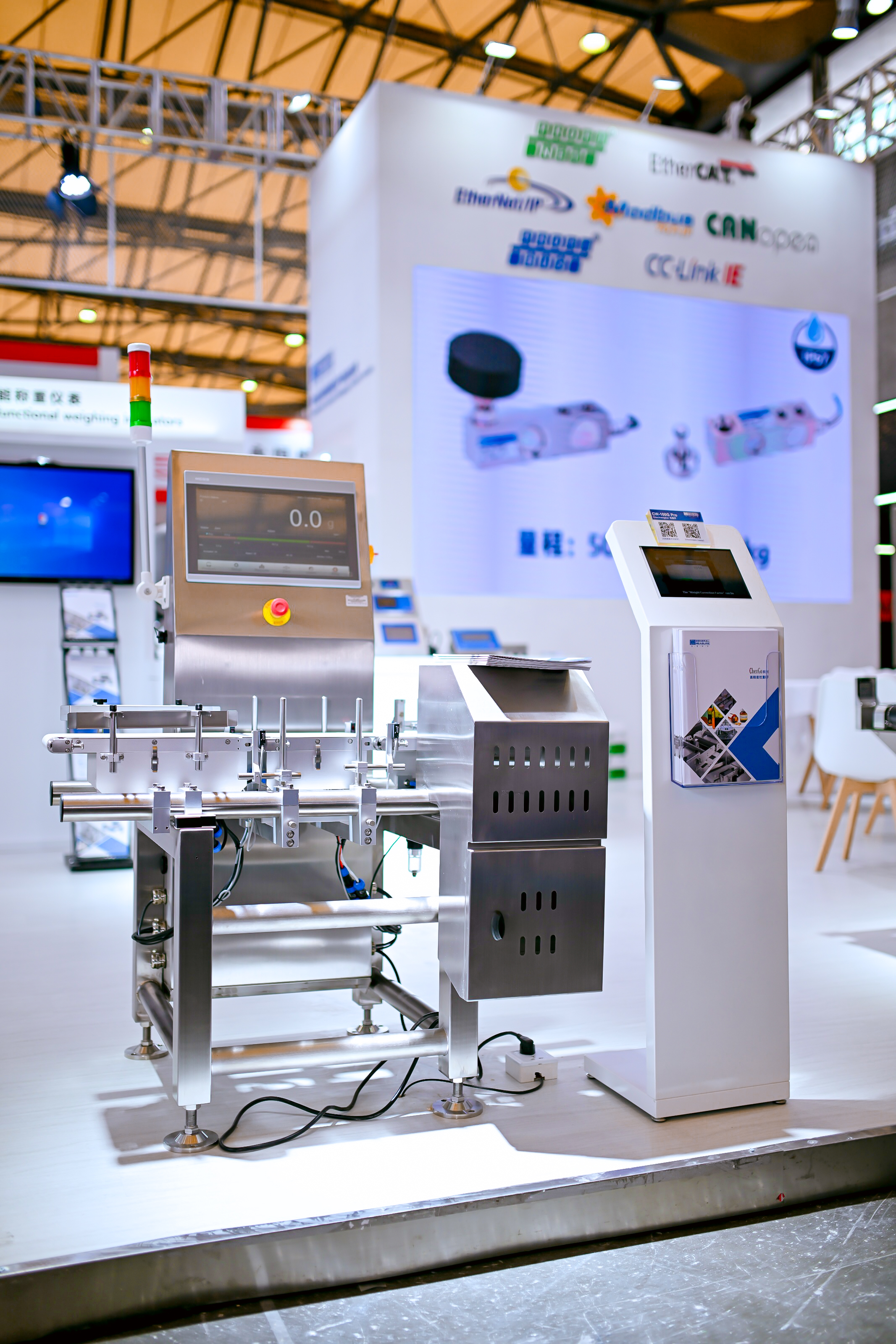
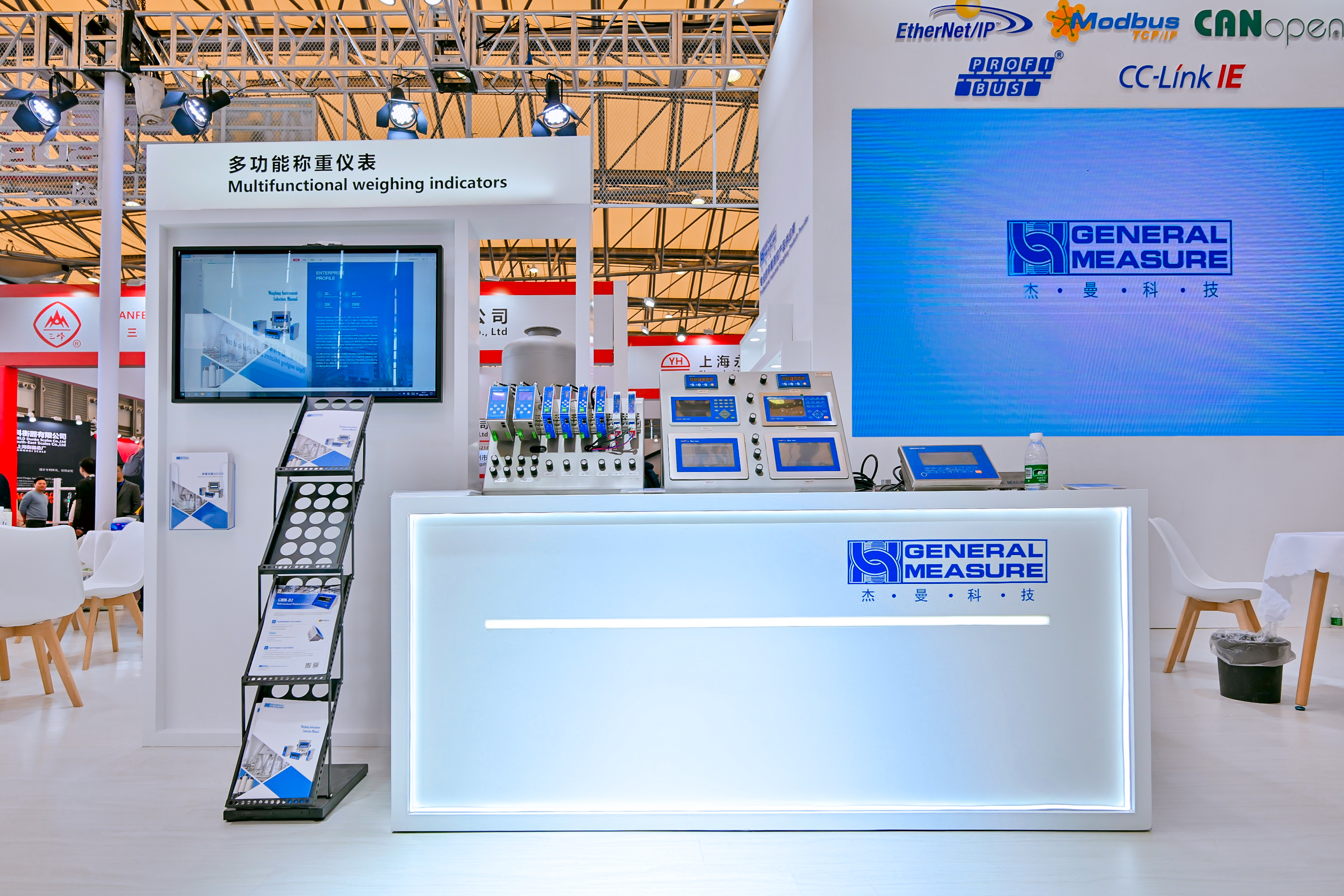
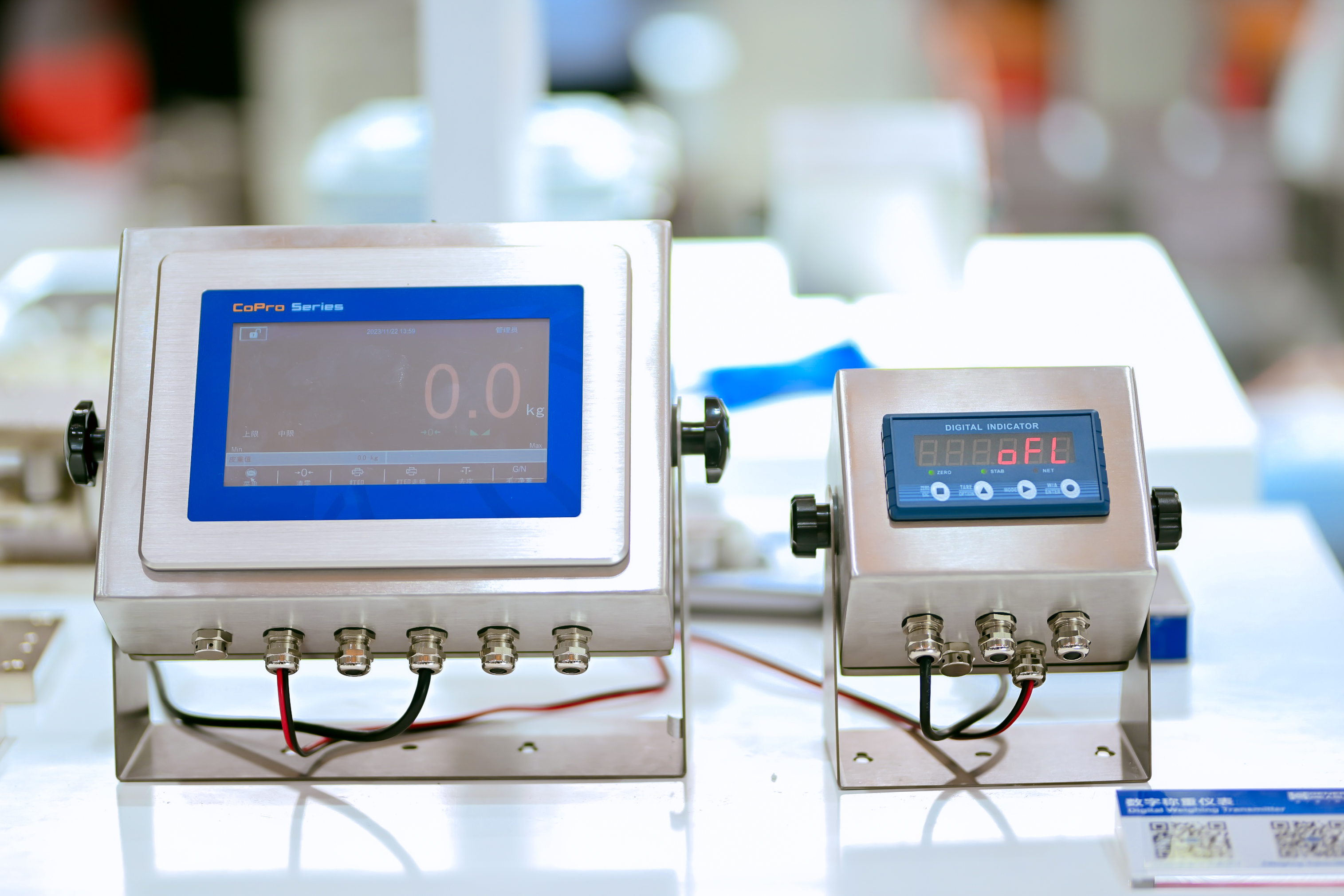
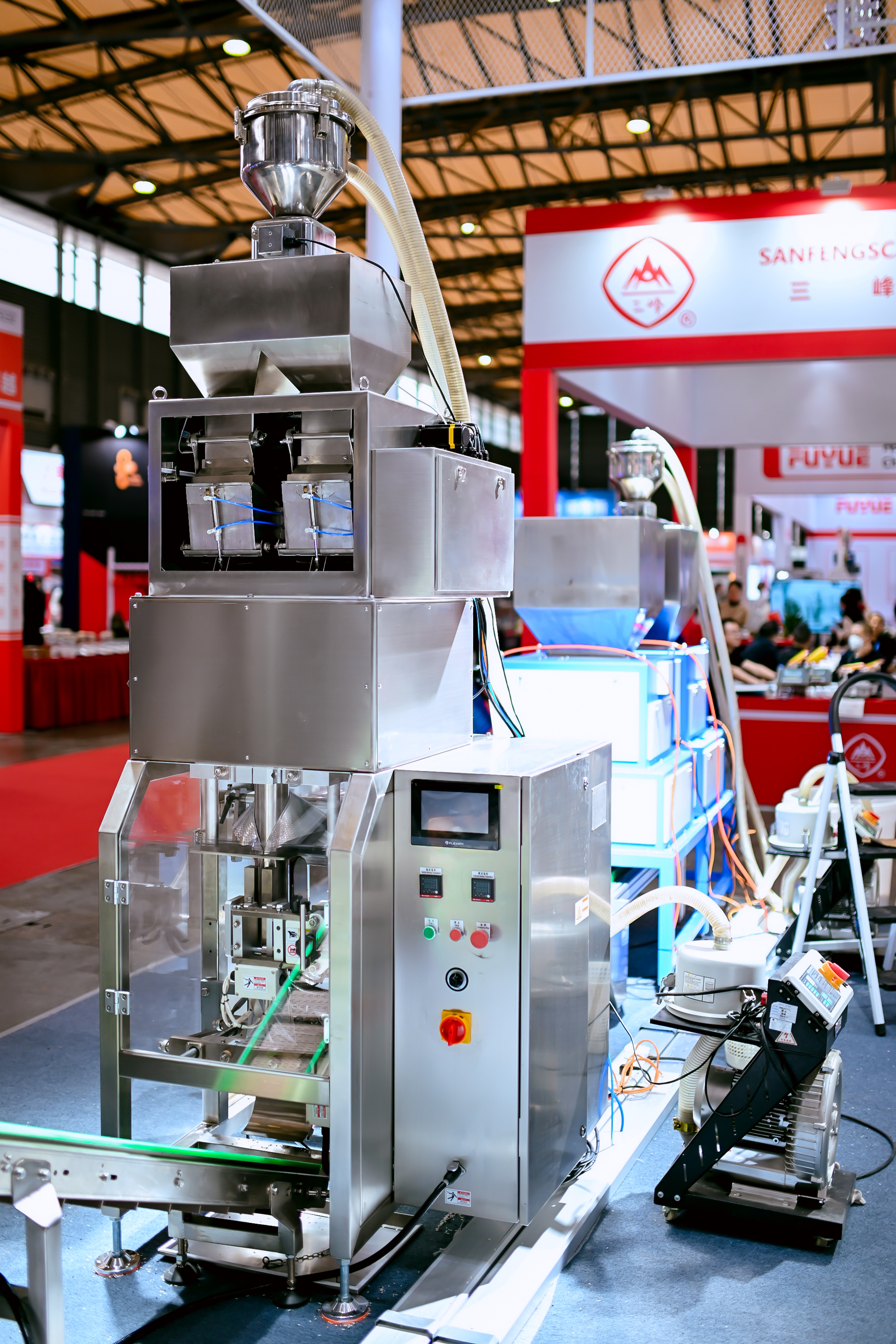
General Measure Participated in the China International Weighing Instrument Exhibition from 22nd to 24th Nov. Except for weighing indicators, GM displayed the digital load cells and digital weighing indicators, anti-explosion load cell,  high-performance check weigher, and high-speed packing machine production line with batching scale and metal detector and check weigher combo.

Please check the video and pictures to find more.


Monday, December 18, 2023

General Measure High Speed Packing Filler AF-01K


Browsing in the supermarket, you can find there is a trend that the foods are packed in small packs instead of large ones, which is fresh and convenient. 

General Measure designed a high-speed packing filler AF-01K for packing the granular materials from 50g to 1kg. The speed of dual filler can reach 3600pcs/h and the accuracy is ±2g. It's suitable for various kinds of granules like rice, beans, coffee beans, millet, salt, sugar, and so on. The great performance makes it ideal for the replacement of multi-head combination packing machines and volumetric method packing machines, which improves production efficiency and quality and reduces costs.

Step motor plus vibrator feeding-type and pneumatic discharging-type guarantee the stable while speedy packing. The smart algorithm supports a self-adjust function with a target value set only. Then the machine will automatically optimize the packing weight approaching the target by adjusting fast feeding, vibrator feeding, or other mechanical parts, which is quite easy to operate. 

General Measure is dedicated to providing you with an efficient weighing-packing solution.

Tuesday, October 31, 2023

General Measure Weighing Controller M04 Applied for Resin Filling

M04 is a multifunctional weighing controller with single/dual packing, bulking, batching, and liquid filling software. A 5-inch LCD display shows the weighing process and results clearly. With OIML R76 approval, it is credit and solid for industrial weighing applications. Recently, General Measure’s service technicians delivered the technical service to a filling machine equipment supplier byContinueContinueContinueContinueContinue reading "General Measure Weighing Controller M04 Applied for Resin Filling"


http://dlvr.it/SyD0Hh

General Measure Weighing Controller M04 Applied for Resin Filling

M04 is a multifunctional weighing controller with single/dual packing, bulking, batching, and liquid filling software. A 5-inch LCD display shows the weighing process and results clearly. With OIML R76 approval, it is credit and solid for industrial weighing applications. Recently, General Measure’s service technicians delivered the technical service to a filling machine equipment supplier byContinueContinueContinueContinue reading "General Measure Weighing Controller M04 Applied for Resin Filling"


http://dlvr.it/SyCnBv

General Measure Weighing Controller M04 Applied for Resin Filling

M04 is a multifunctional weighing controller with single/dual packing, bulking, batching, and liquid filling software. A 5-inch LCD display shows the weighing process and results clearly. With OIML R76 approval, it is credit and solid for industrial weighing applications. Recently, General Measure’s service technicians delivered the technical service to a filling machine equipment supplier byContinueContinue reading "General Measure Weighing Controller M04 Applied for Resin Filling"


http://dlvr.it/SyC67T